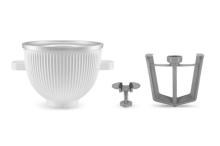
SORBETIÈRE | KitchenAid FR
Ice cream maker is an attachment that transforms your mixer into an ice cream machine. Create gelato, slushies, sorbets and more from scratch. Buy now
169€
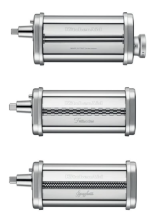
MACHINE À PÂTES - 3 SET D’ACCESSOIRES | KitchenAid FR
Extension pour faire des pâtes, lasagnes, linguines, etc...
229€
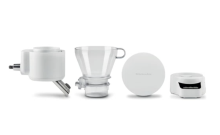
BALANCE ET TAMIS | KitchenAid FR
La balance et le tamis (5KSMSFTA) vous permettent d’ajouter progressivement des ingrédients pesés et tamisés dans le bol tout en gardant les mains libres. Ils se fixent à tous les robots pâtissiers pour des résultats précis. Obtenez le vôtre.
179€
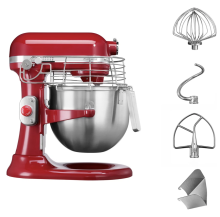
ROBOT PÂTISSIER À BOL RELEVABLE 6,9L - PROFESSIONNEL - Rouge empire | KitchenAid FR
Robuste et polyvalent, le robot pâtissier 6,9 L - Professionnel (5KSM7990X) est doté de fonctions de sécurité supplémentaires, ce qui le rend adapté à un environnement professionnel. Dotez-vous d’un robot pâtissier pour votre entreprise.
1.129€

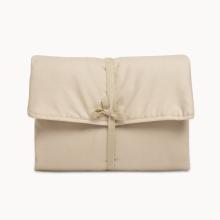
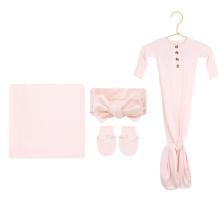
Sophie Newborn Headband Bundle (Gown)
Consider your bags packed. Our specially curated bundle is everything you and your newborn need for a cozy welcome home, including: Knit Swaddle Blanket.
78$